← All guides
💱
Multi-currencyTrack money in more than one currency
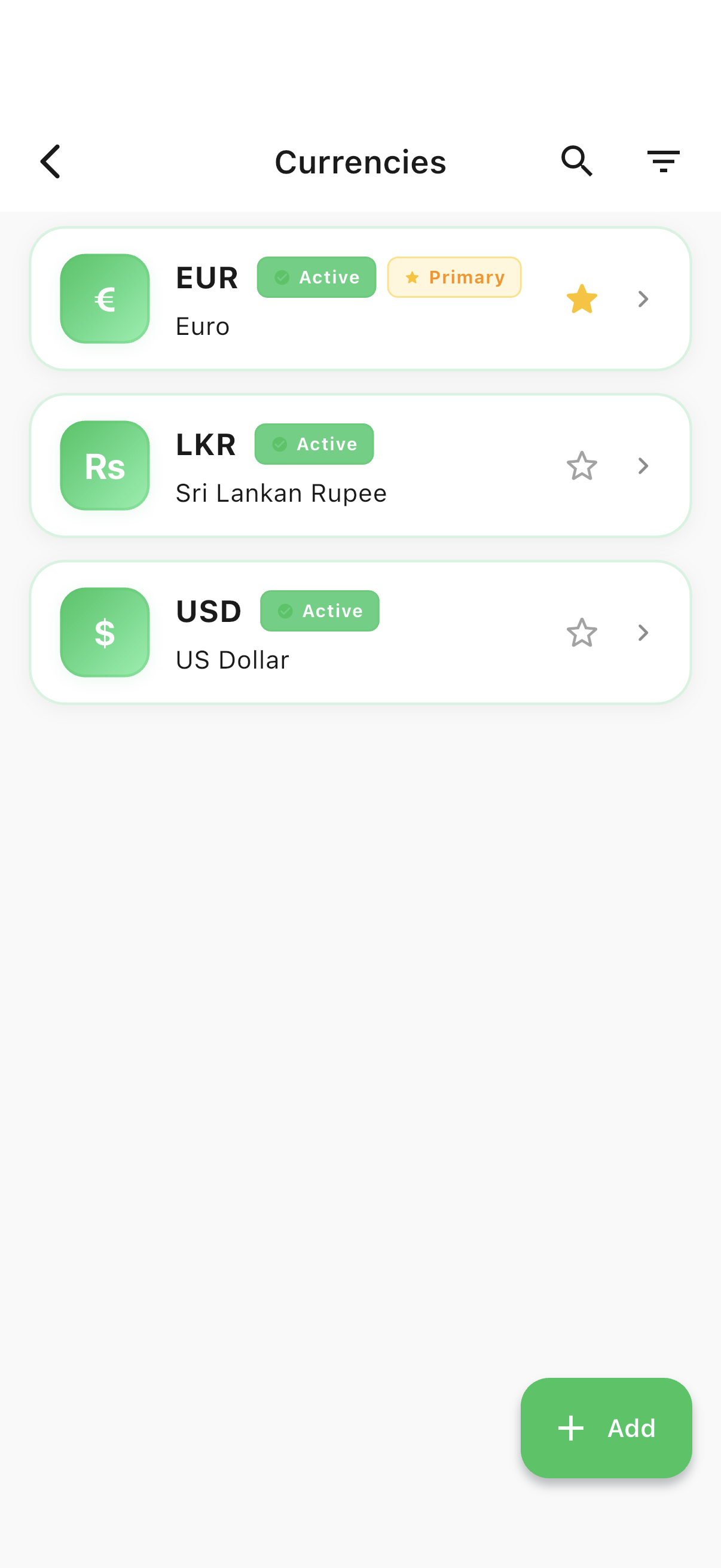
Every account has its own currency, so a Sri Lankan Rupee wallet and a US Dollar bank account sit side by side without conflict. Enable the currencies you use, and Spencio handles the rest.
Guide 9 of 11
Browse
Every currency you’ve enabled
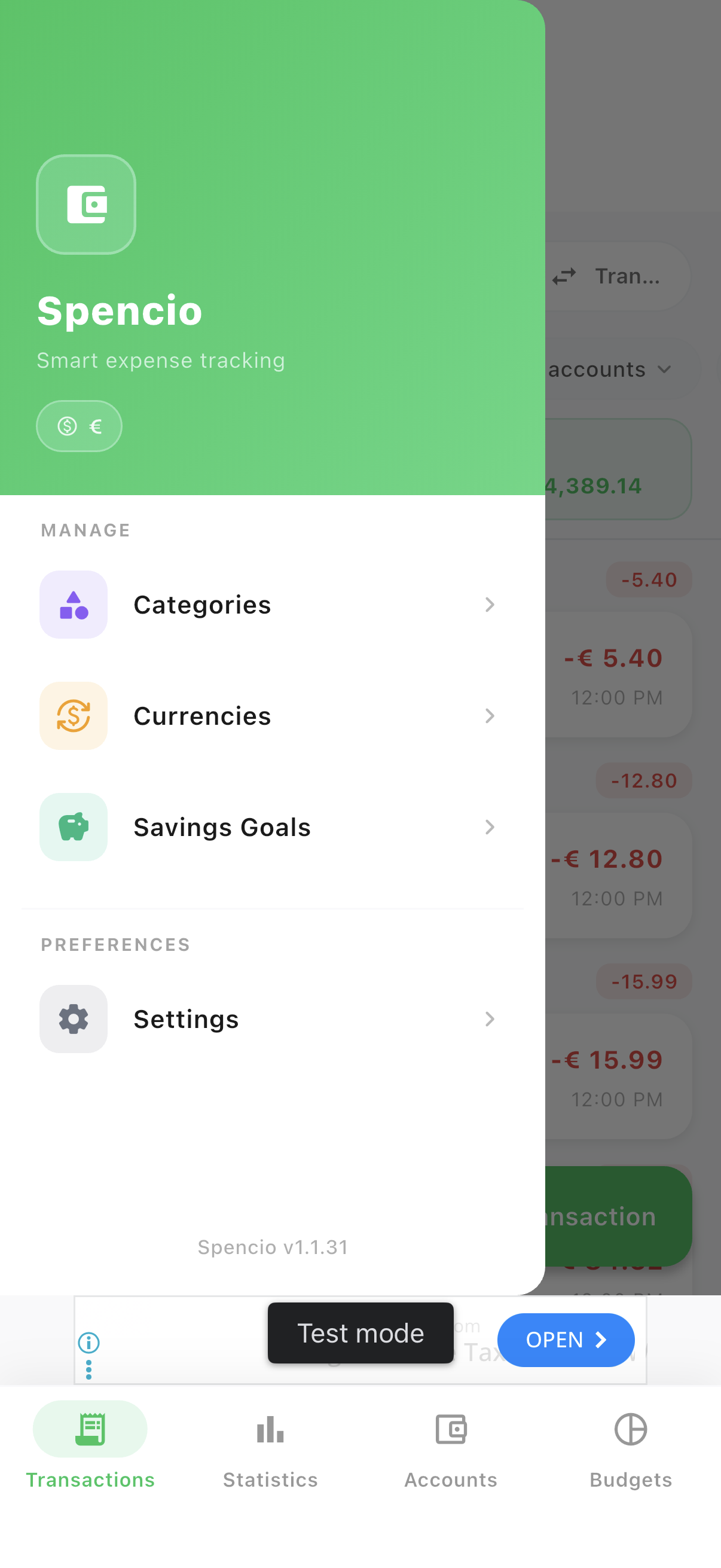
Currencies lives in the menu, right next to Categories.
- 1Open the ☰ menu, then tap "Currencies".
- 2Search by code, name or symbol, or filter to enabled currencies only.
Add
Add a currency in a sheet — no page change
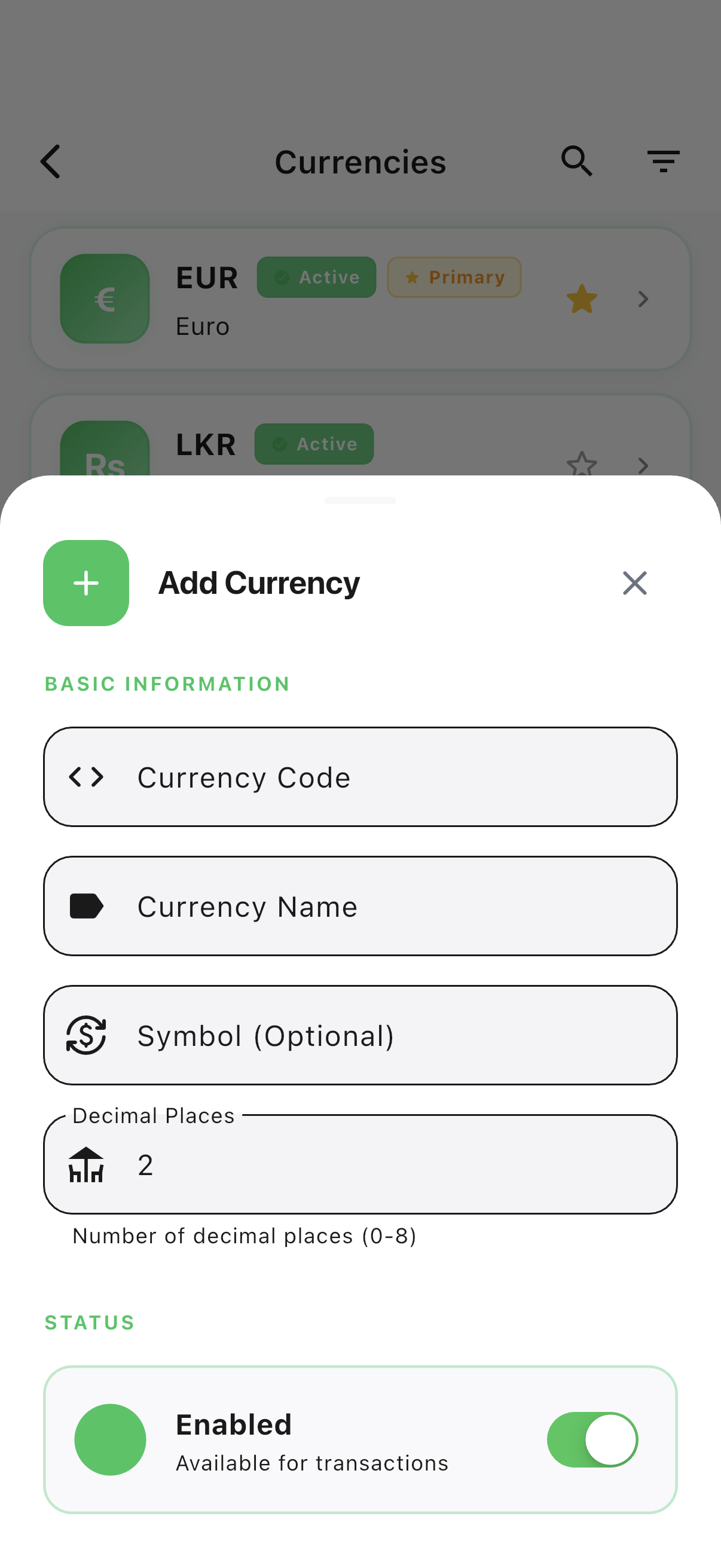
Adding a currency opens a bottom sheet right over the list, so you’re back to browsing the moment you’re done.
- 1Tap "Add", then set the code, name, symbol and decimal places.
- 2Toggle any currency on or off — enabled currencies appear when creating or editing an account.
Ready to try it yourself?
Spencio is free to download on iOS and Android — every feature in this guide is included.